
Home Repair Pro1.0.9 - Google Play
You'll be able to see results in few seconds.
Publisher Description
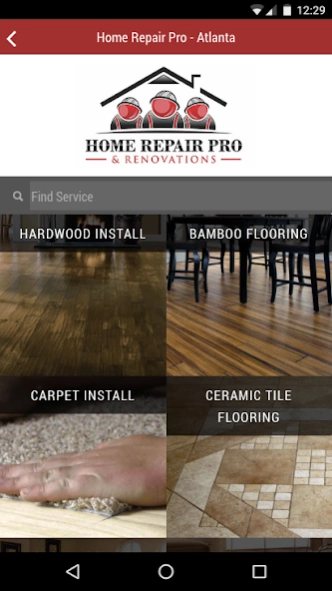
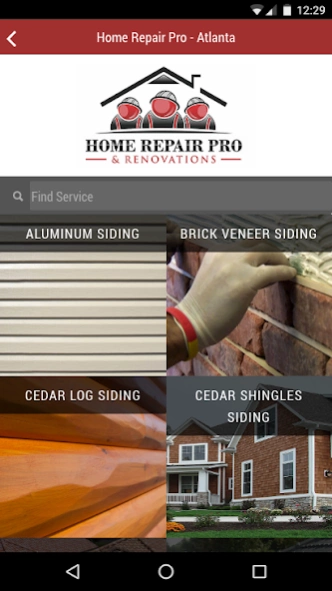
Price typical quick home repairs & book your handyman from your phone or tablet.
The Home Repair Pro mobile app is a simple at your finger estimation and scheduling application for your local Home Repair Pro team. Covering all of Atlanta, Johns Creek, Alpharetta, Duluth, Buford, Sugar Hill, Cobb, Cumming, Lawrenceville and Suwannee. Book your repair pro day or night with the tap of a finger. Be reminded about your projects with calendar notifications and quickly estimate some interior and exterior home remodeling or repair projects. Forget scanning through online listings to find your licensed home repair professional and select Home Repair Pro and Renovations.
No more searching through online services like craigslist or bidding on projects through services like Thumbtack. You get personal access to the best home repair, renovation and remodeling team that the Greater Atlanta Area has to offer. From small odd jobs to complete remodeling projects.
This app will be continually updated to include more and more services, and will routinely provide you with discount codes and first access to promotions that can save you even more.
Typical Handyman Services Include: Home Repairs, Installation, Assembly
Most Requested HandymanProjects: Repair Drywall, Room or whole house Painting, Doors, Carpet, Fence, Fix Plumbing and Leaky Faucets, Decks, Crown Molding, and more.
About Home Repair Pro
The company that develops Home Repair Pro is Riveloper, LLC. The latest version released by its developer is 1.0.9.
To install Home Repair Pro on your Android device, just click the green Continue To App button above to start the installation process. The app is listed on our website since 2016-05-17 and was downloaded 0 times. We have already checked if the download link is safe, however for your own protection we recommend that you scan the downloaded app with your antivirus. Your antivirus may detect the Home Repair Pro as malware as malware if the download link to com.riveloper.homerepairpro is broken.
How to install Home Repair Pro on your Android device:
- Click on the Continue To App button on our website. This will redirect you to Google Play.
- Once the Home Repair Pro is shown in the Google Play listing of your Android device, you can start its download and installation. Tap on the Install button located below the search bar and to the right of the app icon.
- A pop-up window with the permissions required by Home Repair Pro will be shown. Click on Accept to continue the process.
- Home Repair Pro will be downloaded onto your device, displaying a progress. Once the download completes, the installation will start and you'll get a notification after the installation is finished.
Program Details
System requirements
Download information
Pricing
Version History
version 1.0.9
posted on 2016-05-17
Multiple bug fixes and enhancements to user experience. Please report all problems to team@riveloper.com
Disclaimer
Official Google Play Link
We do not host Home Repair Pro on our servers. We did not scan it for viruses, adware, spyware or other type of malware. This app is hosted by Google and passed their terms and conditions to be listed there. We recommend caution when installing it.
The Google Play link for Home Repair Pro is provided to you by apps112.com without any warranties, representations or guarantees of any kind, so access it at your own risk.
If you have questions regarding this particular app contact the publisher directly. For questions about the functionalities of apps112.com contact us.
